
Trusted by leading D2C and B2B brands worldwide
Everything You Need, Inside the Chat
Send Meta approved messages instantly
Collect customer info inside WhatsApp
Keep every interaction professional & personal
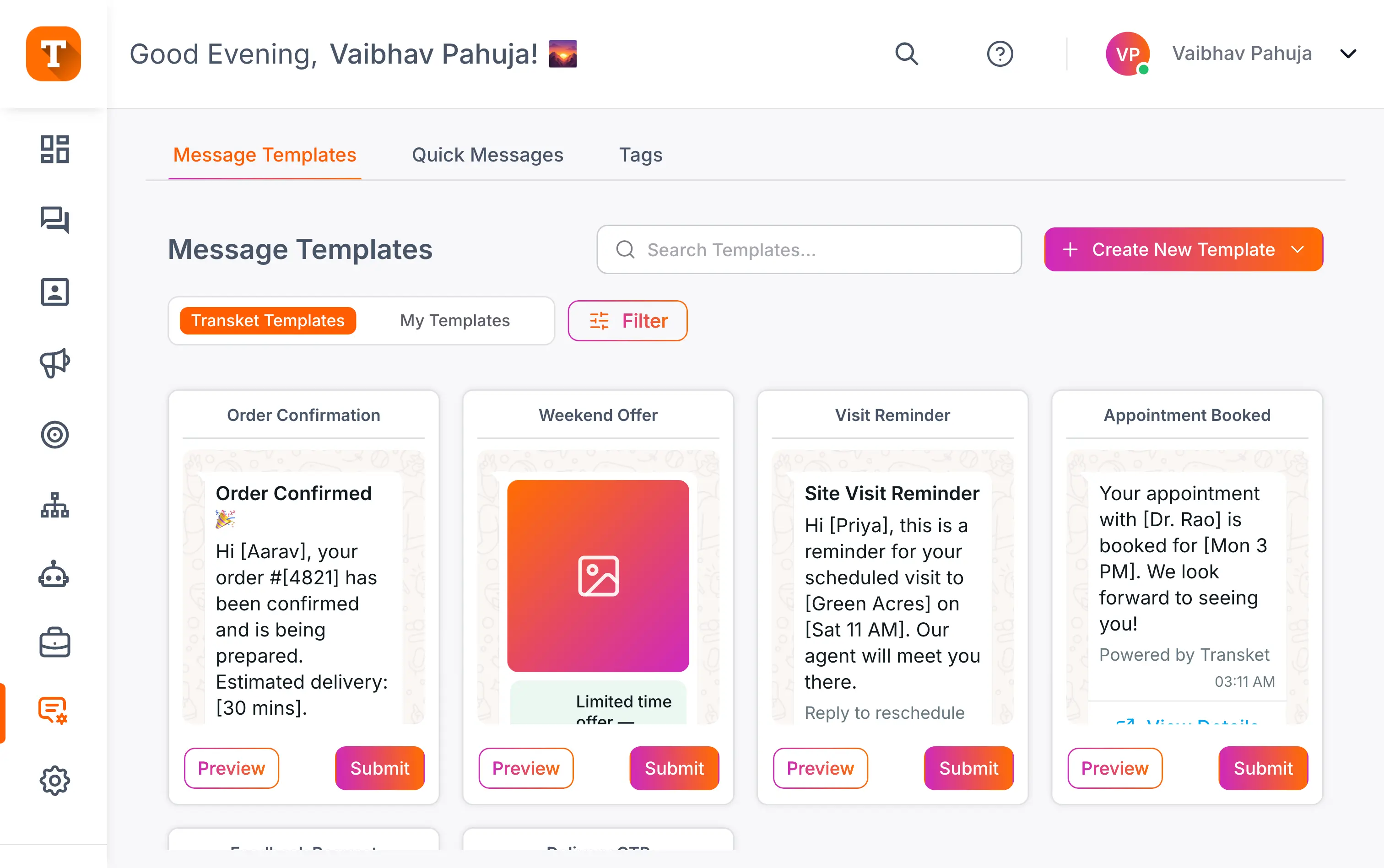
Approved Messages, Ready to Send
Your ready-to-use blueprints for instant, on-brand communication.
Hi Aarav, your order #4821 ships on Fri, Aug 8. Track it any time, or reply here for help.
10:02Booked, thank you!
Collect Details Right Inside the Chat
Skip the long forms. Capture what you need directly in the conversation.
Frequently Asked Questions
Everything you need to know about templates and WhatsApp forms.
A WhatsApp message template is a pre-approved message you can send to opted-in customers, personalised with details like name, order, or date. Templates are required for business-initiated messages on the WhatsApp Business API, which is why every reminder, promo, or confirmation starts from one. Once approved, the same template sends in seconds, typo-free and brand-consistent.
Approval is handled by WhatsApp and typically ranges from a few minutes to 24 hours, though complex or borderline templates can take longer. Templates that follow WhatsApp's category rules and avoid prohibited content approve fastest. Build in lead time before a campaign, since a template cannot be sent until it is approved. Transket shows the approval status of each template in your library.
WhatsApp forms are structured, tappable forms that customers fill in without leaving the chat: name, email, service, appointment slot, or whatever fields you set. They replace the link-to-a-long-form journey where most drop-off happens. With Transket you can capture leads, register people for events, run surveys with quick buttons, and take custom orders, all inside the conversation.
No. Templates and forms are built from the Transket dashboard without code: write the message, add variables like name or order number, and submit for approval. Forms are assembled from fields the same way. You still write the actual copy yourself, so everything sends in your brand's words.
The most common reasons are category mismatches (a promotional message submitted as utility), prohibited content, formatting problems with variables, and vague or misleading text. Fixing the category and tightening the wording resolves most rejections, and you can edit and resubmit. Writing the template clearly, with a defined purpose per message, is the best prevention.
Yes. Templates support variables like name, order number, and date, which fill in per contact when the message sends, so one approved template covers thousands of personalised messages. The structure stays fixed, which is what keeps it approved; the details change per person. That is how a single "order shipped" template feels individually written to every customer.